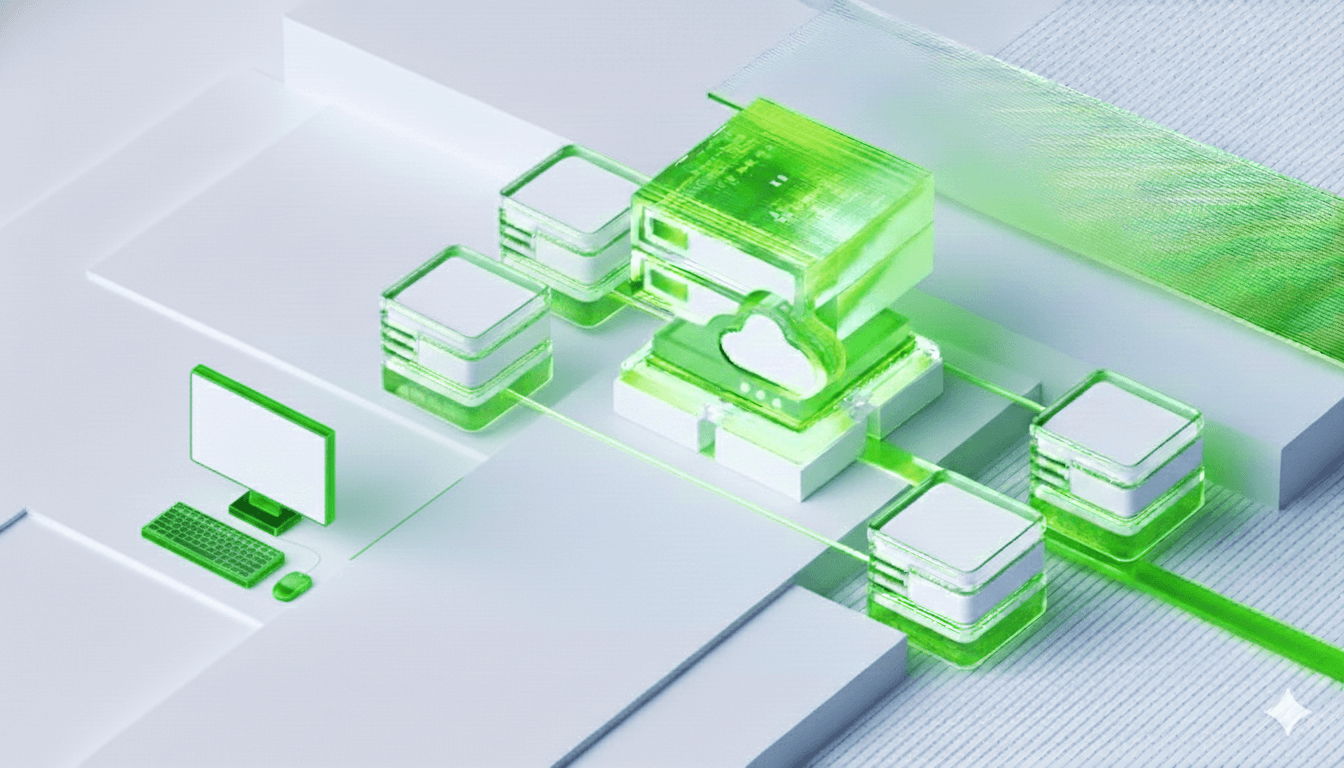
KCloud Instance
Spin up Instance in seconds, scale resources on demand, and keep workloads running with automatic high availability and live migration all from one dashboard.
Key Features
Deploy, manage, and scale Instances with full control over every layer of your infrastructure. From instant provisioning to live migration and automatic recovery built for workloads that demand reliability.
Hardware Independence
Run Instances on any underlying hardware without modification. Instances abstract the physical layer making workloads portable across different hosts, data centers, or cloud environments without reconfiguration.
Full OS Isolation
Each Instance runs its own complete operating system with dedicated resources, fully isolated from other Instances on the same host ensuring security, stability, and no resource contention between workloads.
Snapshot & Backup
Capture the exact state of a Instance at any point in time including OS, applications, and data. Instantly roll back to a previous snapshot after a failed update or restore from backup in minutes after a failure.
Flexible Resource Allocation
Dynamically assign CPU, memory, and storage to each Instance based on workload demand. Resize resources up or down without reprovisioning maximizing hardware utilization across your infrastructure.
Live Migration
Move running Instances between physical hosts with zero downtime. Perform hardware maintenance, balance loads, or respond to failures without any interruption to running services or end users.
Multi-OS Support
Run Windows, Linux, and other operating systems side by side on the same physical hardware. Instances let teams use the exact OS and version their application requires without dedicating separate machines.
Use Cases
Instances power everything from simple web hosting to complex multi-tier applications. Here's how teams use KCloud VMs to run their most critical workloads.
Database Storage
Attach high-performance block volumes to database servers MySQL, PostgreSQL, MongoDB for consistent low-latency I/O that transactional workloads demand.
Boot & System Volumes
Use block storage as the primary boot disk for your Instances providing fast, reliable OS and application storage that persists across reboots and instance changes.
Backup & Disaster Recovery
Snapshot volumes at any point in time and retain them as durable backups. Restore entire disks in minutes after failure minimizing RTO and protecting critical data.
Big Data & Analytics
Mount large block volumes to data processing nodes running Spark, Hadoop, or custom pipelines handling high-throughput sequential reads and writes at scale.
Advanced Management Features
Powerful tools to customize, protect, and automate your Instance infrastructure.

Key points
Get Started with GCX KCloud
Join us today to explore more product details, unlock hidden features, and play along with KCloud to see what it can do for you!
Get Started