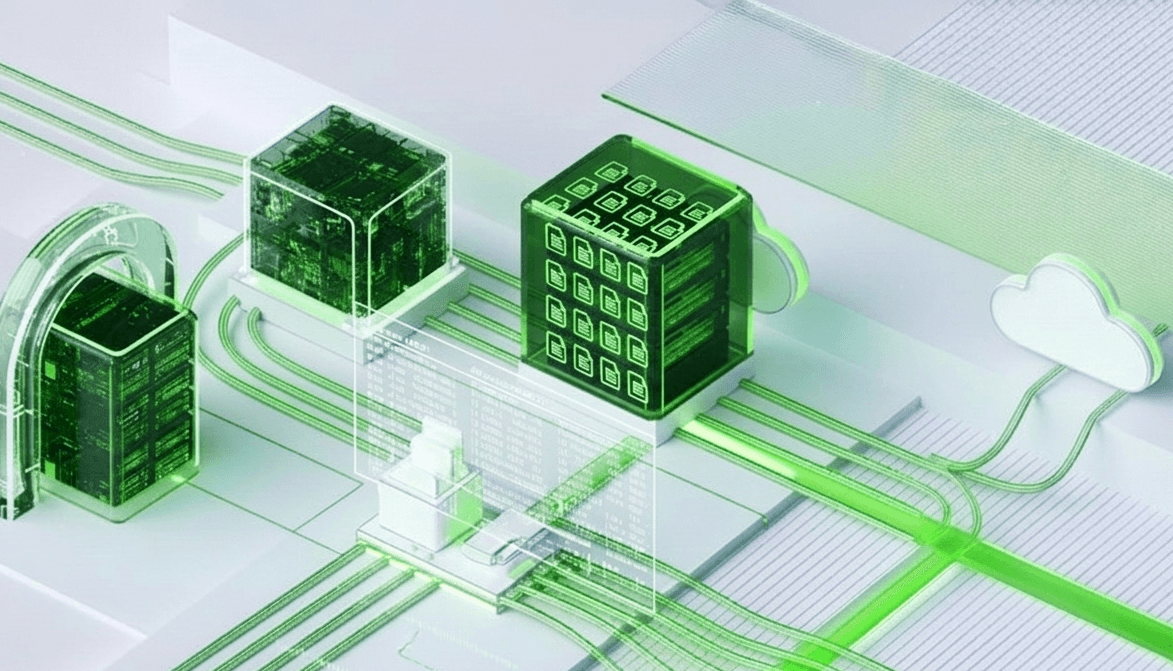
Network Attached Storage
Mount the same file system across multiple Instances simultaneously. Built on NFS with enterprise reliability the shared storage layer your distributed workloads have been waiting for.
Key Features
Network-attached shared storage that multiple instances can access simultaneously. Built on NFS with enterprise-grade reliability ideal for any workload that needs a common file system.
Shared File Access
Mount a single storage volume across multiple servers and instances simultaneously. NAS enables concurrent read/write access over standard protocols eliminating data silos and letting teams and services work from one shared source of truth.
NFS & SMB Protocol Support
Connect any Linux, Windows, or macOS client using industry-standard NFS and SMB/CIFS protocols. No proprietary agents or custom drivers required NAS integrates seamlessly into your existing infrastructure and operating systems.
Centralized Data Management
Manage all files, permissions, quotas, and access policies from a single control plane. Simplify storage administration across teams and workloads without juggling individual disks attached to separate compute instances.
Scalable Capacity
Expand shared storage capacity on demand without remounting or reconfiguring connected clients. Grow your NAS volume as data accumulates keeping all attached instances in sync with zero disruption to running workloads.
Snapshot & Point-in-Time Recovery
Capture consistent snapshots of the entire shared filesystem at any moment. Recover accidentally deleted files, roll back corrupted directories, or restore the full volume to a known-good state in minutes.
Permission & Quota Control
Enforce per-user and per-directory quotas to prevent any single workload from consuming all available space. Define granular read, write, and execute permissions at the file and folder level across all connected clients.
Use Cases
NAS solves the challenge of shared file access across distributed workloads. Here's how teams use it to share content, run clusters, and centralize backup storage.
Shared Development Environments
Mount a common NAS volume across dev, staging, and CI/CD nodes giving every instance access to the same codebase, build artifacts, and configuration files without manual syncing or duplication.
Media & Content Workflows
Store and stream large video, audio, and image files from a centralized NAS share. Enable multiple editors, renderers, and transcoding nodes to read and write the same assets concurrently without conflicts.
Home Directories & File Sharing
Provide every user or team with a persistent, access-controlled home directory mounted over NFS or SMB. Centralize file sharing across your organization without managing per-user storage on individual machines.
CMS & Web Content Storage
Back your CMS or web application with a shared NAS volume so every app node reads and writes uploads, templates, and media from one consistent location keeping content in sync across all instances automatically.
Get Started with GCX KCloud
Join us today to explore more product details, unlock hidden features, and play along with KCloud to see what it can do for you!
Get Started